
Now any registered user can add valleys and gorges as mountain regions. Examples of added regions:
- https://summitx.info/ru/objects/ranges/64823512/about ↗
- https://summitx.info/ru/objects/ranges/64824755/about ↗
- https://summitx.info/ru/objects/ranges/64824505/about ↗
Why this is valuable to the community
- The added region is automatically integrated into the hierarchy. All its mountains, passes, and routes are automatically linked to it. Those planning ascents, searching for routes, or studying the area will find it much easier to navigate: they can easily look up the 5As in Ak-Sai. They won't have to search for these 5As among all the 5As of the vast Kyrgyz Ala-Too range.
- The gorge gets its own page with the ability to ask questions about it on the forum, post or article specifically about this gorge.
- A visitor can easily see the boundaries of the valley, which can be especially useful for mountain tourists.
How to add a gorge or valley
It's very easy to do. A minimally formatted valley requires literally a few seconds.
Click the "Add region" button on the mountain regions page (https://summitx.info/ru/objects/ranges ↗) or on your personal object drafts page (https://summitx.info/ru/account/geodata/drafts ↗). You will be taken to a page:
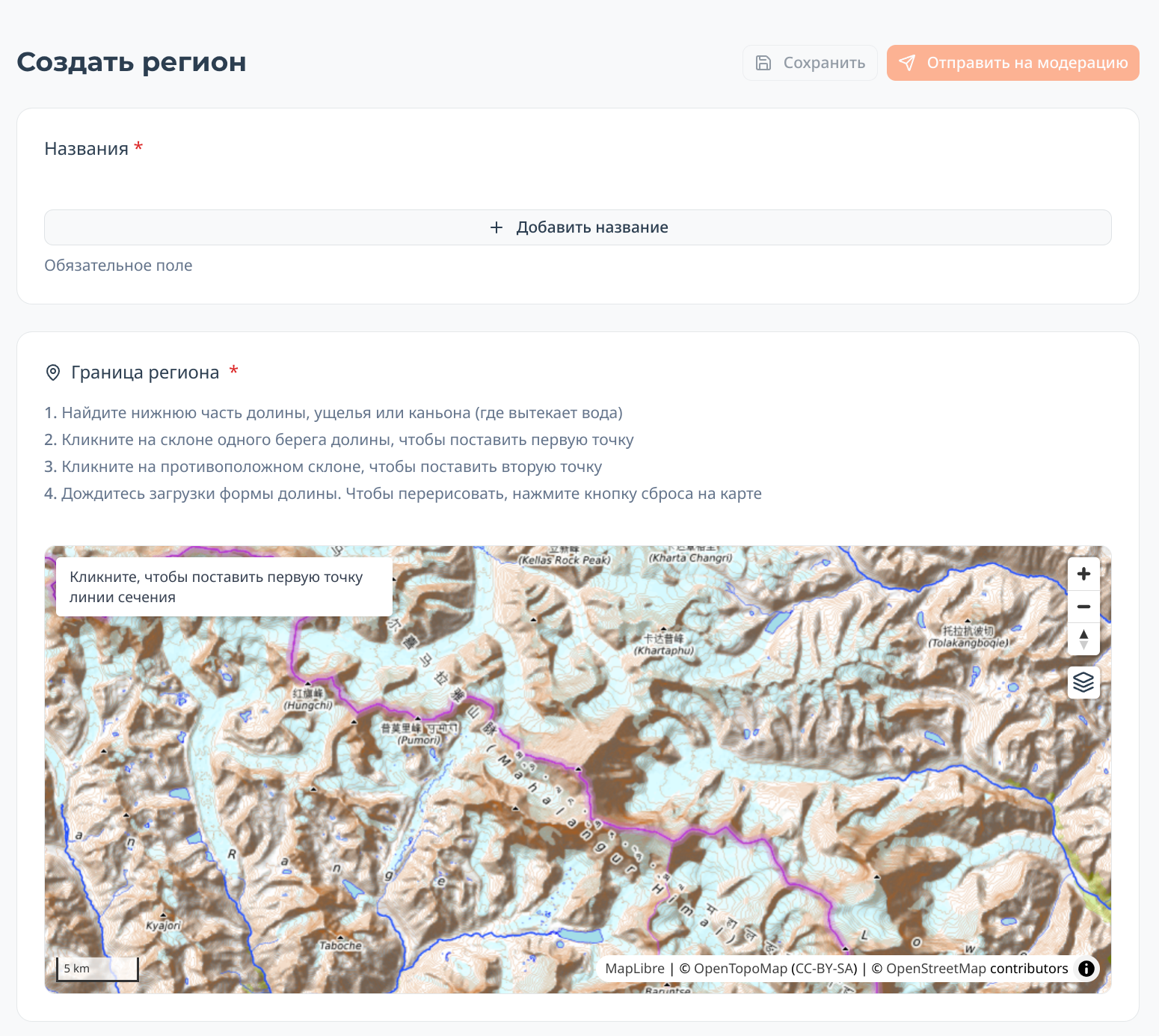 The main fields are straightforward:
- Add names. It's highly desirable to add the name in English immediately, so the gorge is easier to find in other languages.
- After saving the draft, you can add a description with pictures, etc.
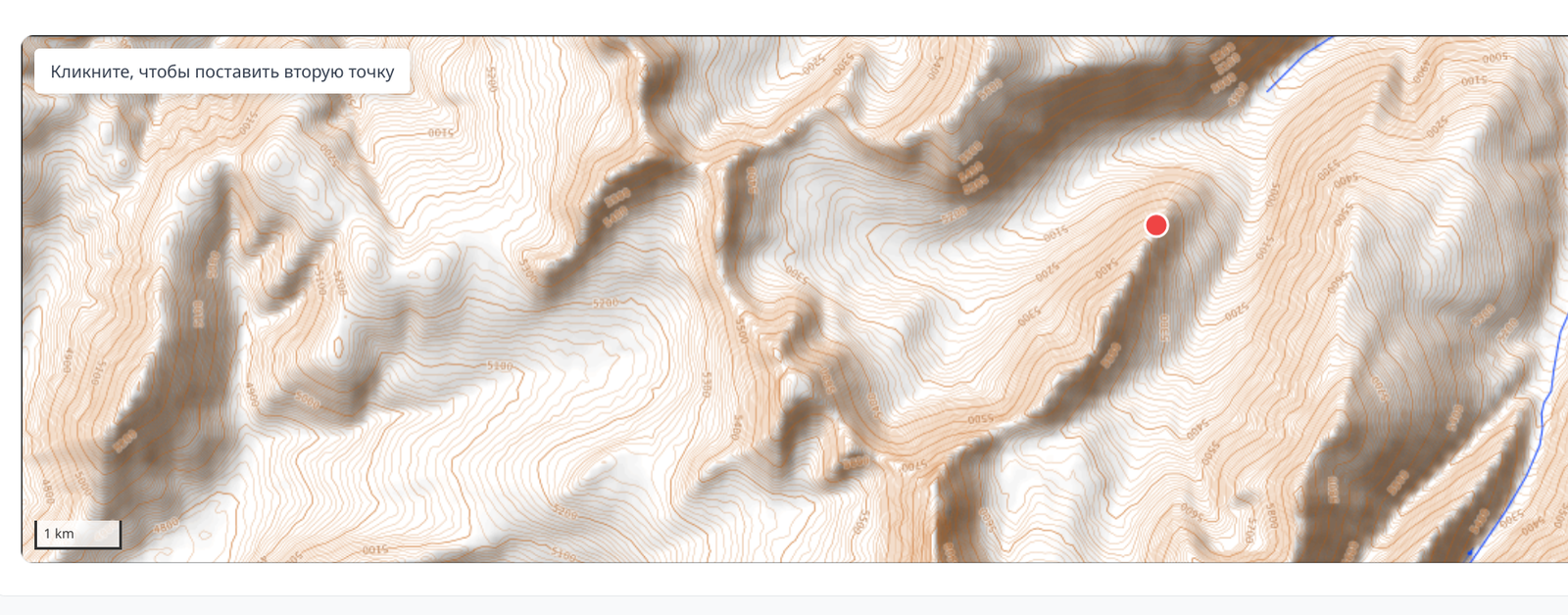
After that, all that's left is to "draw" the shape of the valley. The site will do it for you; you just need to show it the lower part of the valley, i.e., where it ends and the river flows out. To do this, you need to draw a line on the map (put two points) that, like a fence, blocks the entrance to the gorge:
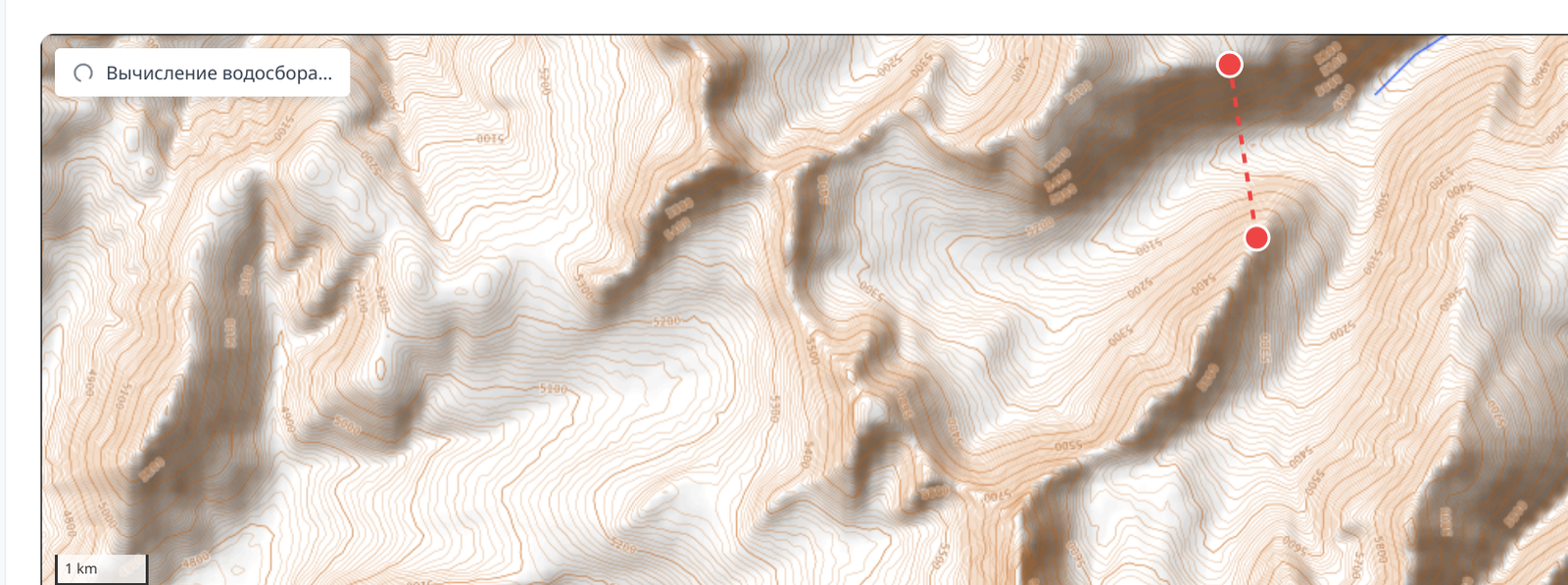 In a few seconds, the site will draw the valley for you:
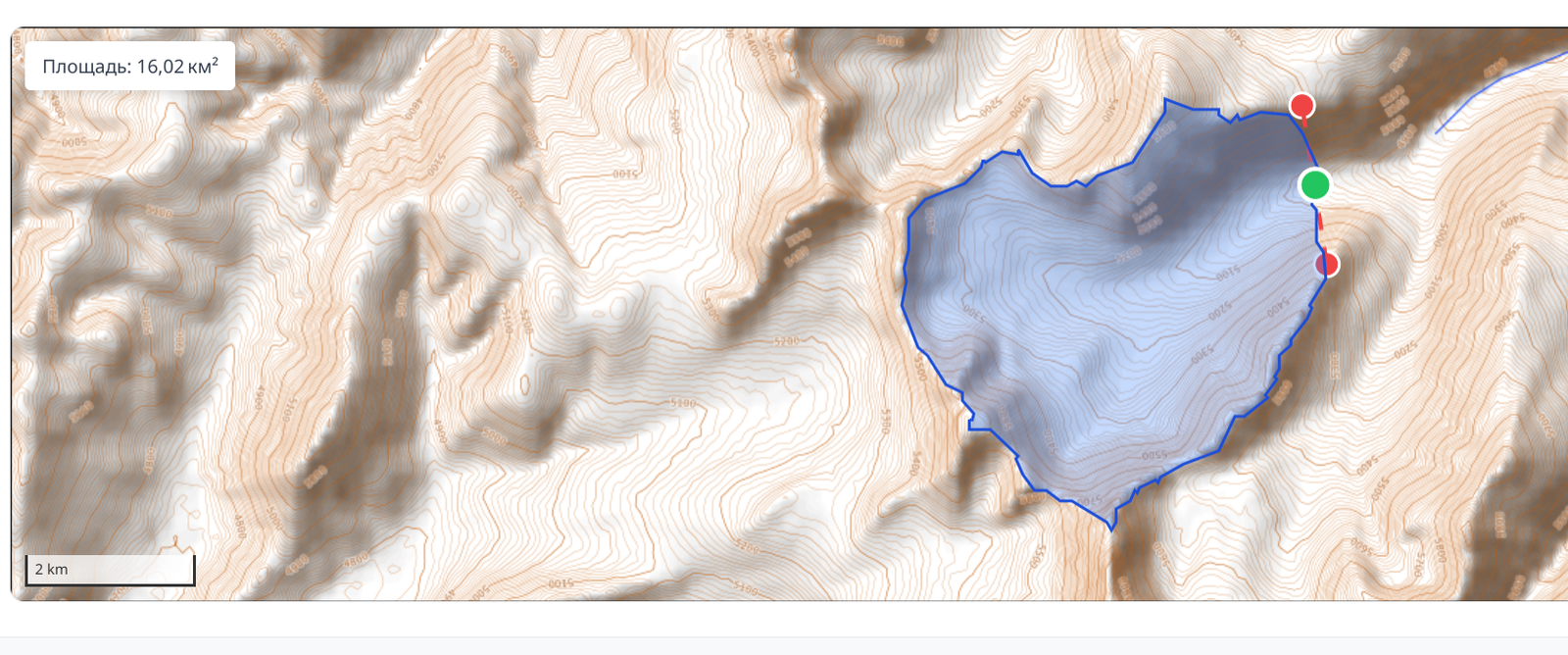 Attention, on very large gorges, the process may take up to 30 seconds! And on very large gorges, it will show an error – don't add such huge valleys :)
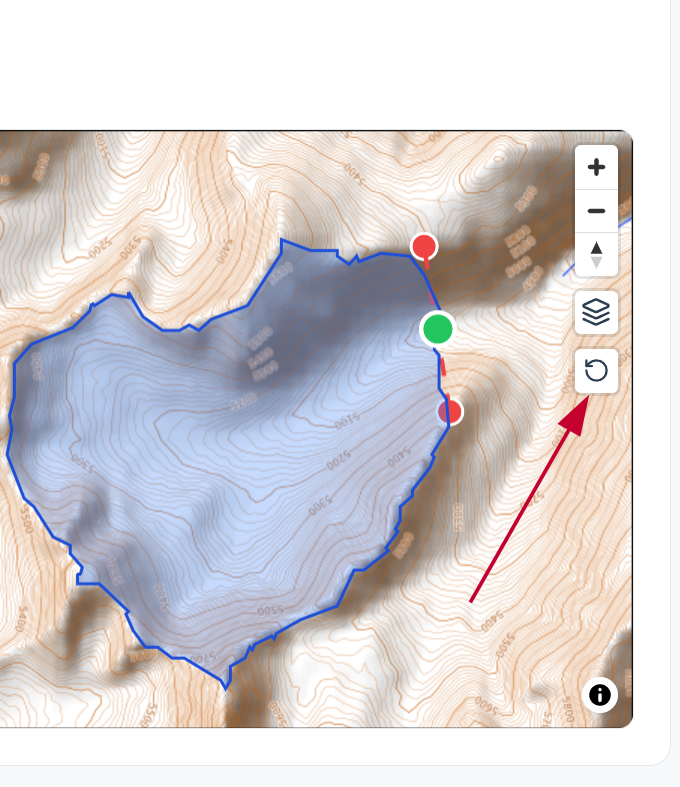
If you made a mistake and want to "redraw" the gorge, click the button on the right side of the map:
 After completing the valley's formatting, submit the new object for moderation by clicking the button at the top of the page.
You can always save a draft of the new region and continue working on it later.
After the region is approved by the moderator, it will become publicly available, its constituent peaks and routes will be automatically linked to it, and the description you created will be translated into other languages.
Editing a region
You can suggest edits to existing regions in exactly the same way. The region editing button is available on its page.

Comments
Sign in to leave a comment