
SummitX has been updated. This article describes the changes that have taken place over the past three days.
Editing username
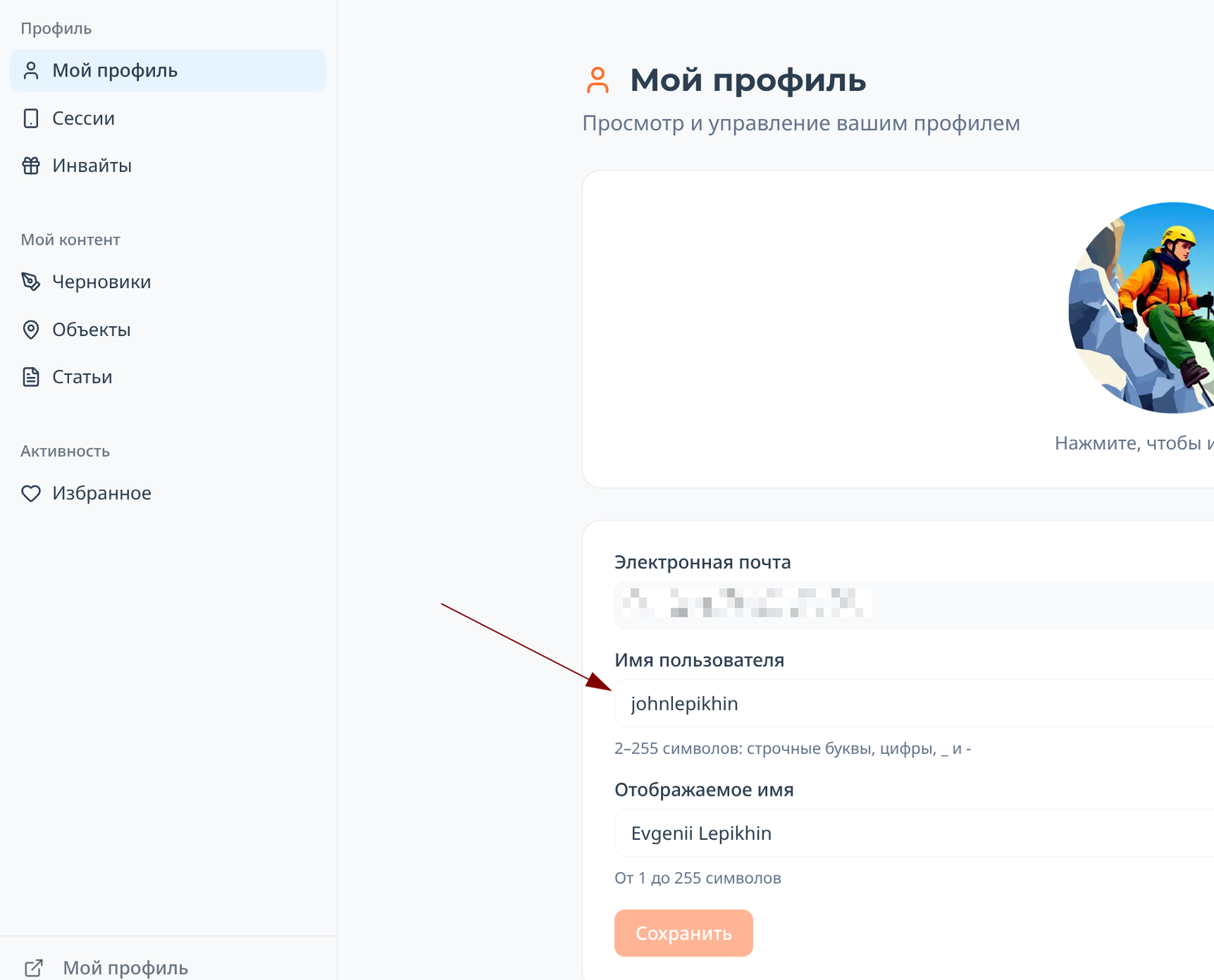
In your personal account (for the Russian localization of the site, this is https://summitx.info/ru/account/profile ↗), you can now change the strange username issued to you upon registration to something beautiful and familiar:
List of your articles in your personal account
Take a look at the image above: a section "My content → Articles" has appeared in your personal account. It will display all the articles you have ever written on the site.
Uploading images to articles and comments
Now, when inserting an image, the image upload process is displayed:
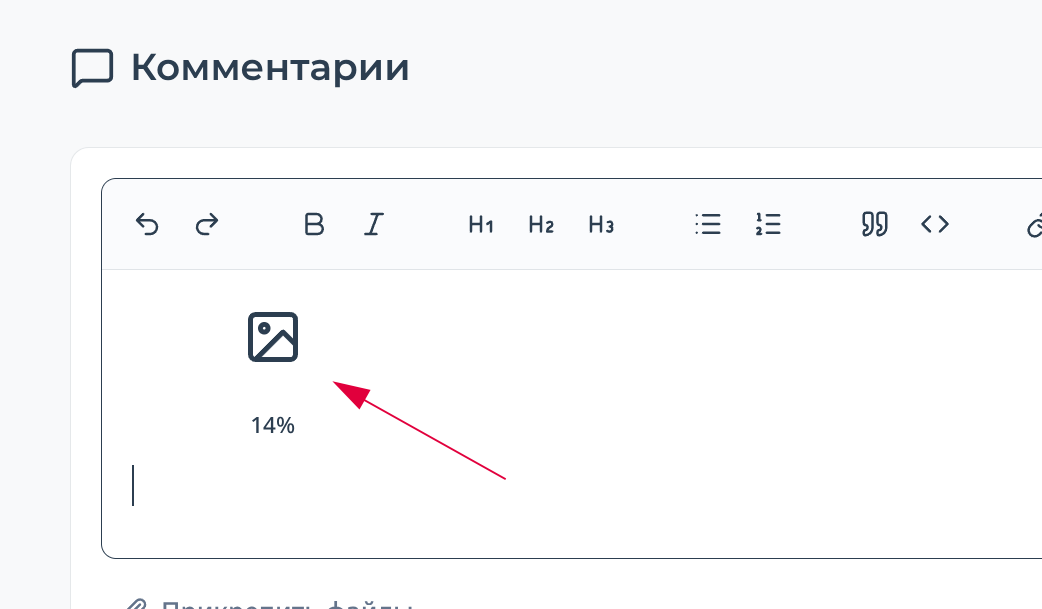 This allows you to understand what is happening with the image and know when it will be fully uploaded.
Header indicator
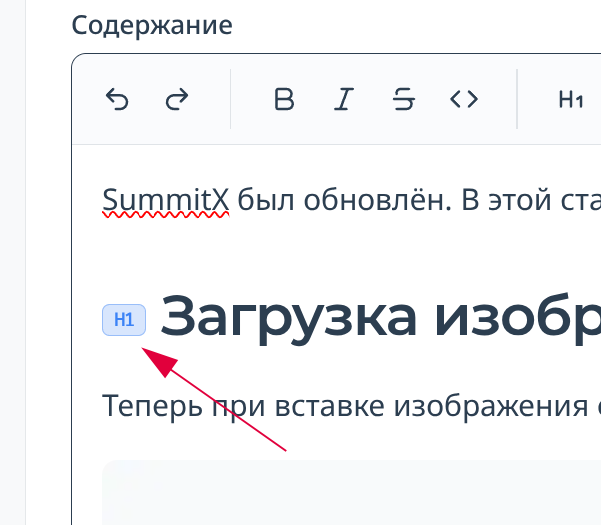
When writing long articles, it can be difficult to navigate the headings. A small header size indicator has been added to the editor:
Filters in quick search
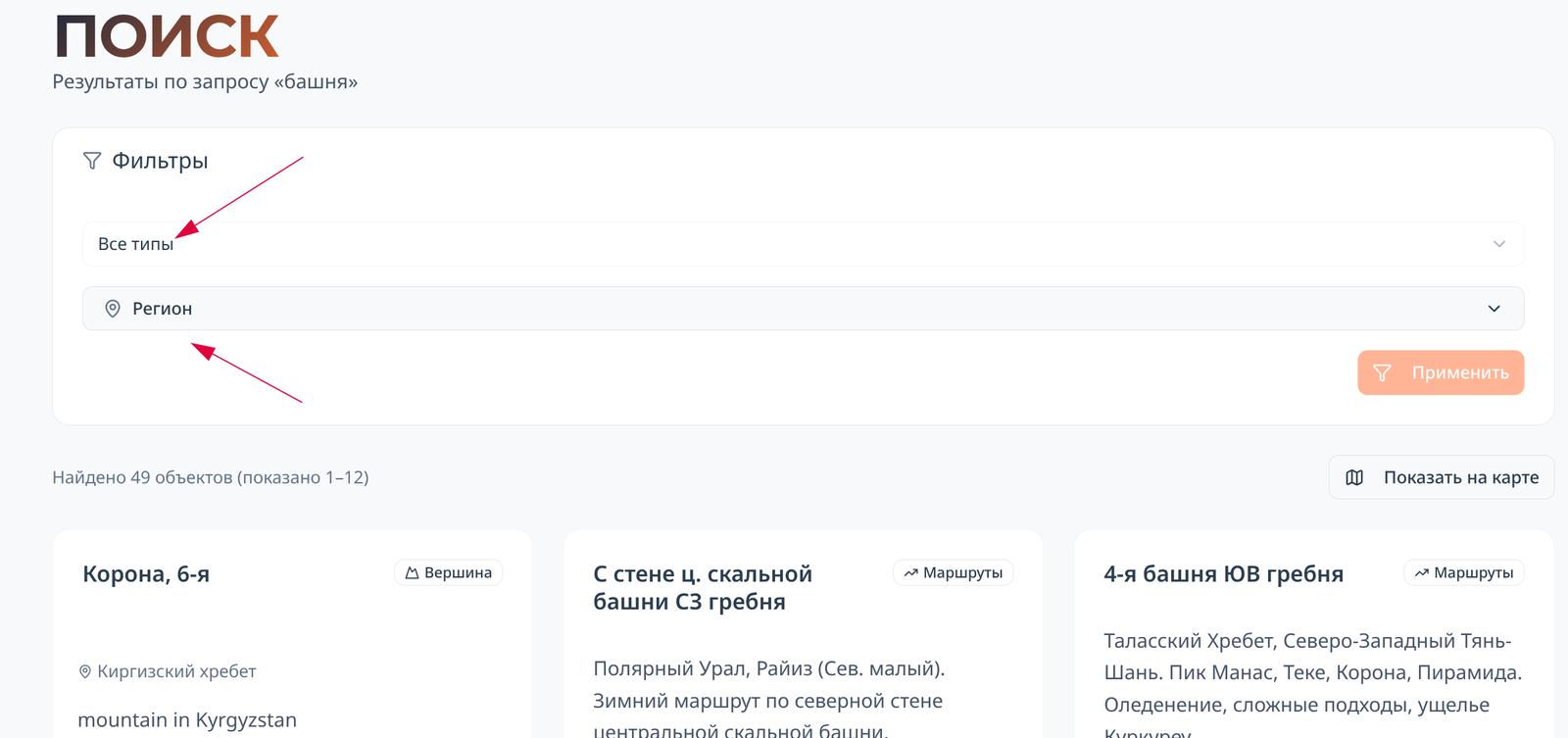
There is a quick search in the site header (available by pressing the "/" button). Its results display all found objects, and there can be hundreds of them. It is difficult to find the desired object in the search results, and it is not always desirable to go to the "Objects" section for a full-fledged search. Therefore, two of the most popular filters were added directly to the search results page: by object type (peak, pass, or route) and mountain region.
Improving object sorting
In all sections of the site - lists of peaks, passes, routes, mountain regions, search results, etc., objects are now sorted by the number of views. As we accumulate statistics in our database, this will allow you to find what you're looking for more quickly.
Other improvements
In brief:
- The language you have chosen is now saved between visits to the site.
- In the filters, there is an element for selecting a region/country/area. Now it is easier to return to higher-level objects.
- For new and unauthorized visitors to the site, a banner with useful information about where they are is now displayed on the main page.
- A "Back to top" button has been added to article pages, allowing you to quickly get to the top of the page.
- An "Preview" button has been added for article editors. With its help, you can see exactly how your article will look on the site.

Comments
Sign in to leave a comment